What Should You Automate First? Not the Task That Takes the Longest.
Automate the task that gets skipped when your week is busy, not the one that takes longest. A two-question test for picking your first automation.
Ask a founder what they’d automate first and you’ll get the same shape of answer every time. Whatever’s eating the most hours. Search r/smallbusiness for “what manual process is wasting your time” and the replies are honest and consistent. Invoice chasing. Data entry. Copying the same information between two systems that don’t talk to each other. That instinct picks the wrong task.
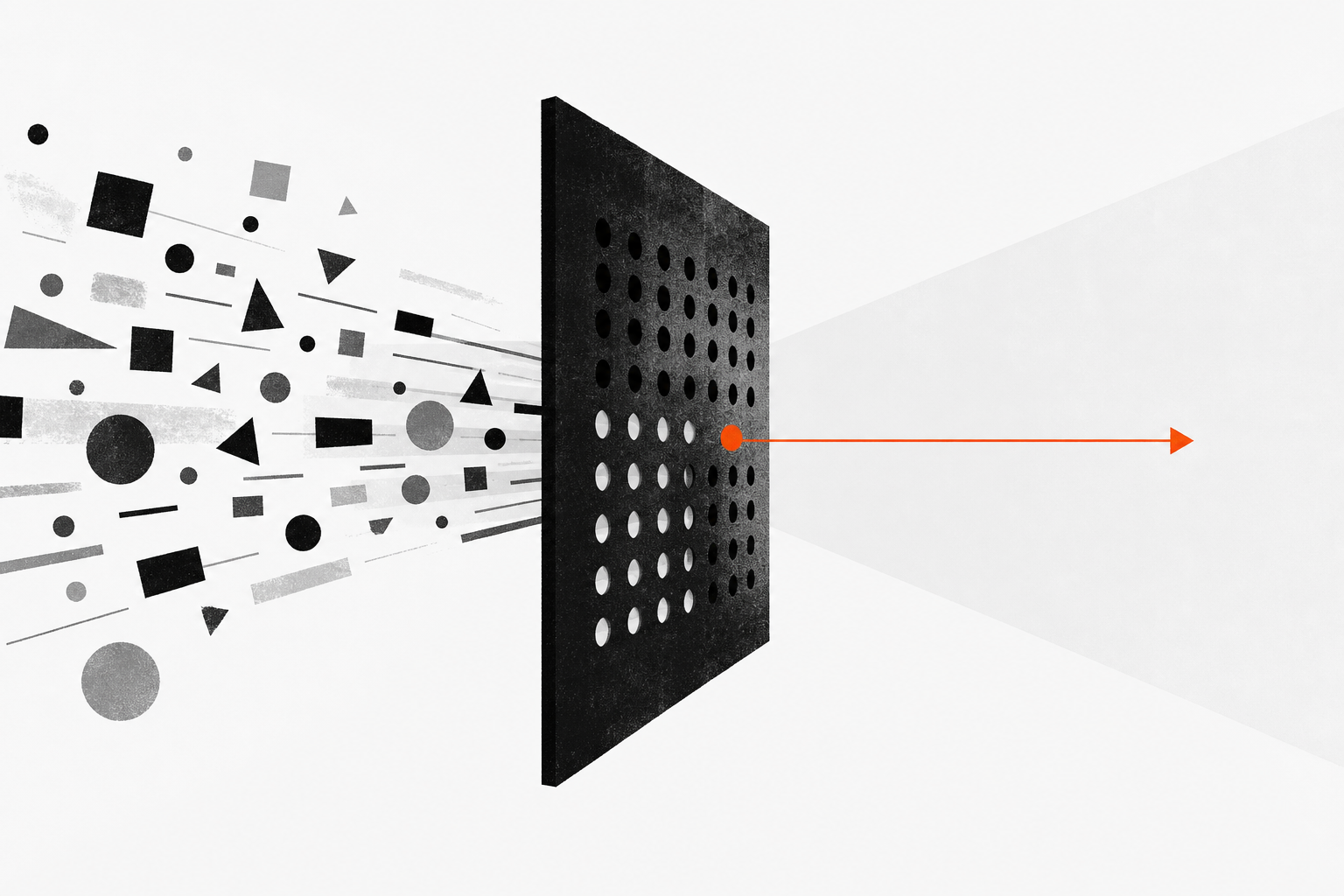
Automate the task that silently doesn’t happen when your week gets busy, not the one that eats the most hours. Time-eaters are visible, so someone is already doing them. Skipped work costs revenue invisibly: the quote nobody chased, the call nobody logged. Score each candidate on whether it gets skipped under pressure and whether it has one right answer. That second question tells you whether to build a rule in n8n or an agent that drafts.
That’s why a first automation can get built, run correctly for months, and change nothing about the business.
Why every automation framework points you at invoice chasing
The best-structured framework for picking a first automation is Too Many Hats’ priority scorecard, published in April 2026. It scores each candidate process on four criteria, one to three points each: how often you do it, how long it takes, how consistent the steps are, and how much damage an error causes. Anything scoring 10 to 12 out of 12 is your first automation. Its own worked example puts chasing overdue invoices at 11.
Look at what those four criteria measure. Frequency times duration is hours consumed. Consistency asks whether a machine could follow the steps, which is a build question rather than a value question. That leaves one criterion out of four, error risk, asking what the task is actually worth.
Error risk isn’t where the framework goes wrong, though. It reads that criterion generously, glossing the invoice example as “chasing the wrong client, missing a debtor”, so a task nobody got to does count. The rule that shuts out skipped work sits in the decision guide instead. A task you do at least weekly, with consistent steps, that takes under fifteen minutes an occurrence, gets sent to “batch manually for now”. That’s the rule I’d break, because the tasks most worth automating first almost all take under fifteen minutes.
Rank candidates on hours consumed and you always land on the same kind of task: high volume, repetitive, and above all visible. Automating a six-hour-a-week job gives you six hours back. It doesn’t change an outcome, because the work was already getting done.
The tasks that cost you money don’t take any time
Skipped work is any task with a real revenue consequence that nobody notices when it doesn’t happen.
They all have the same shape. A quote you sent on Thursday and never touched again. A call that ended at ten to five and never made it into the CRM. Then there’s the inbound form that landed on Friday evening and got its first reply on Tuesday.
Each is a few minutes of work, which is exactly why the fifteen-minute rule sends all three to the batch-it-manually pile. And nobody files a complaint about a follow-up that never went out. You just don’t get the deal, and you never find out why. We’ve written before about what happens to inbound leads that sit unanswered, and the pattern is the same one: the failure is invisible from the inside.
How do you decide what to automate first?
Two questions pick your first automation, in this order.
Does this task get skipped when the week is busy? You can’t answer that from memory, which is the point. Skipped work is invisible to the person skipping it. So measure it. In your CRM, filter for deals sitting at proposal-sent or the equivalent over the last ninety days, take the twenty most recent, and open each timeline. Count one thing: any email, call or note logged by your side after the quote went out. Client replies don’t count, because you’re measuring what you did. If a quarter of those twenty went out and never got touched again, stop reading and go build that.
Does this task have one right answer? This is the question almost nobody asks, and it decides what you build rather than whether you build. A task with one right answer and a clear trigger is a rule. A task that needs a judgment call every time is an agent, and it needs a person approving the output.
Two kinds of candidate get disqualified before you score them at all. Anything that happens less than once a week isn’t worth the setup and the maintenance, so batch it and revisit when it gets more frequent. And anything whose steps genuinely change every time isn’t a process yet.
That second one usually gets tested by asking yourself whether the process “works reliably by hand”, which is a question the person who owns the process can’t answer honestly. Use a real test instead. Have two people run it independently on the same input, then compare what comes out. If the outputs differ, you don’t have a process, you have a habit, and automating a habit just reproduces it faster.
Do you need an AI agent, or just a Zapier automation?
Don’t put a language model in the path of something a filter can do. A new form submission creating a CRM record and firing a templated first reply has no judgment in it. Neither does a closed-won deal creating the onboarding task. An agent costs more on those and fails in ways you can’t reproduce. It also creates review work that a rule doesn’t need.
The platform bill isn’t what decides this. n8n’s Pro plan is 50 euros a month on annual billing for 10,000 workflow runs as of July 2026, charged per full run rather than per step, and a workflow that fires once every weekday uses about 22 of them. Zapier’s free tier caps you at two-step Zaps, so an automation that creates a record and then sends a reply outgrows it immediately, and Professional starts at 19.99 dollars a month on the same annual basis. What actually costs you is design time and whoever owns the thing afterwards.
Judgment that takes the same shape every time is where an agent earns its place. Writing the CRM note from a call transcript, drafting the second touch on a quote that’s gone quiet. The output goes to a person before it goes anywhere else. The vendors are converging on this too. In April 2026 HubSpot moved two of its Breeze agents to outcome pricing, charging 50 cents per resolved conversation instead of a dollar per conversation, and a dollar per lead the Prospecting Agent recommends for outreach. We wrote about what that pricing shift actually means when it landed.
Judgment plus back-and-forth is the case where you shouldn’t automate end to end. Prepping for a specific client call is the clearest example. A rep who needs to think about who’s on the call and what they’ll object to should be working alongside the tool, not receiving a finished brief. Hand over the research, keep the judgment.
Is it worth automating? Five candidates, scored
These five fill the week at most 10 to 50 person B2B service firms.
| Task | Gets skipped? | One right answer? | What to build | How it fails |
|---|---|---|---|---|
| First reply to an inbound form | Yes, badly | Yes | A rule with a templated reply | Form fields change, nobody notices for weeks |
| Logging a call to the CRM | Yes | Mostly | An agent that drafts the note, rep corrects | Writes duplicates or wrong fields, no alert |
| Second touch on a sent quote | Yes | No | An agent that drafts and never sends | Drafts pile up in a queue nobody opens |
| Chasing overdue invoices | Rarely, cash gets chased | Yes | A rule, and a good second build | Chases a client whose payment landed late |
| Prep for a specific client call | No, done badly instead | No | Nothing end to end. Work alongside it | Produces a generic brief the rep ignores |
Invoice chasing is the interesting one, because it’s the answer the standard scorecard gives and it’s a perfectly good automation. It just usually isn’t the first one for a B2B service firm. Overdue invoices are money you’ve already earned, and that means the task has a natural owner who chases it whether or not the week is busy. The quote nobody followed up on is money you haven’t earned yet, and nobody owns it at all. If your problem is cash collection, build the invoice rule. If your problem is pipeline, it’s the wrong first build.
The inbound reply is usually the strongest starting point for a small B2B team. It gets skipped, and it has one right answer on a clean trigger. Miss it and the lead goes to whoever replied first.
Why do automations stop getting used, and who should wait?
Automations don’t announce their failures, which is the failure mode that catches people out. Here’s one from our own stack. An agent we run to log calls to the CRM shipped with a weak duplicate check and quietly wrote the same note more than once. No alert fired, and a person only caught it by looking at the record. That’s one observation and not a statistic, but the shape of it is common: the thing you automated stops being watched precisely because you automated it.
Two habits catch this early. Give every live automation a named person who owns it, not “whoever built it”, and transfer that ownership explicitly when someone leaves. Then check the live ones on a set schedule rather than when a customer complains. Too Many Hats recommends a quarterly thirty-minute audit and that’s about right.
The wider failure rate is worth being careful with. Gartner predicted in June 2025 that over 40% of agentic AI projects would be cancelled by the end of 2027, citing escalating costs, unclear business value, or inadequate risk controls. That’s a prediction about enterprise agentic projects, not a measured failure rate for small firms, so it isn’t a stat to be scared by. Read it for what it actually says: what kills these projects is unclear value, not the technology. Which is an argument for picking the first one carefully rather than for not starting.
So, plainly. Build now if there’s a task in your business with a revenue consequence that currently depends on someone remembering. Hold off if your top candidate only scores well on hours saved, because hours saved isn’t an outcome. And if you can’t name the person who owns the automation after it goes live, that one’s already on its way to the graveyard.
Frequently asked questions
Should I automate the task that takes the most time?
Usually no. A task that eats six hours a week is visible, which means someone is already sitting there doing it, so automating it buys back hours without changing an outcome. Your first automation should target work that gets skipped when the week gets busy, because that work costs revenue rather than time.
Should I fix the process before automating it?
Yes, and don’t take your own word for it. Give the same input to two people, have them run the process separately, then compare the outputs. Any difference means you’re looking at a habit rather than a process, and automating a habit just makes it inconsistent faster.
What should a small business never automate?
Three things. Anything that varies every single time, anything that happens less than once a week, and anything where a wrong output reaches a customer without a person seeing it first. Those three rules remove most of the candidates people ask about.
How much does a first automation cost to run?
The platform is the cheap part. A workflow that runs once every weekday uses about 22 of the 10,000 monthly executions on n8n’s Pro plan, which is 50 euros a month on annual billing, and Zapier’s Professional plan starts at 19.99 dollars a month on the same basis. The real cost is design time and ongoing ownership.
Why did our last automation stop getting used?
Usually one of two things. A connected tool changed its API or its form fields, or the person who built the automation left without handing it over. Neither of those sends you a notification, so give every live automation a named owner and thirty minutes of review a quarter.
— Stuart, Hotkey

Claude Sonnet 5's Price Cut Didn't Actually Make Your AI Agents Cheaper
Claude Sonnet 5's per-token price didn't drop. A new tokenizer and default-on reasoning mean real AI agent costs can go up, not down.

HubSpot's AI Agents Now Charge Per Result. Here's What That Means for Buying vs. Building Sales AI.
HubSpot's Breeze agents now charge per outcome. Here's why that works inside one CRM, and where it breaks down elsewhere in your sales process.

Claude Can Now Run Agents on a Schedule. What That Changes for a Small B2B Sales Team.
Claude's June 2026 scheduled agents run unattended on a cadence and reach your CRM. Here's what a small sales team can put on a schedule, and where a human still belongs.