Why Your Sales Reps Are Doing the Work Your Automation Was Supposed to Do
Your CRM is connected and your tools are set up, but your reps are still copying data between them manually. Here's the diagnosis and the fix.
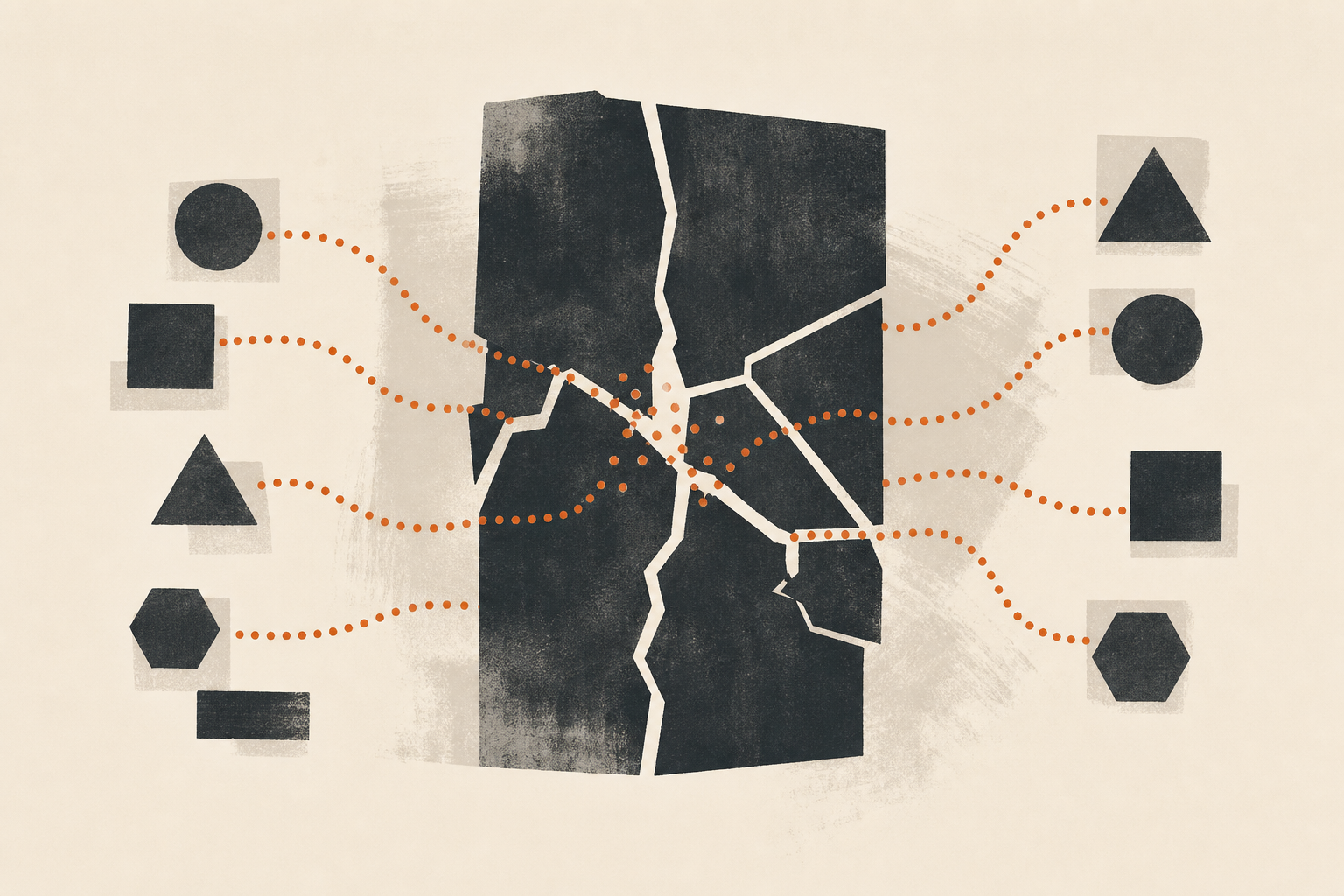
Your CRM is connected to your email. Your sequencer syncs with HubSpot. Slack gets deal notifications through Zapier. On paper, the stack is working.
Ask your reps what they actually do between a discovery call and a “Proposal Sent” stage, and you’ll get a different picture. Copy the call notes. Write the summary. Paste it into HubSpot. Change the deal stage. Drop a message in the deal Slack thread. Add the prospect to the right sequence. That’s fifteen minutes of manual work, and none of it was in the automation.
This is the most common thing we see in B2B sales teams that have been buying tools for two or three years. The stack is real. The integrations exist. And the reps are still the data pipe between all of it.
Where the time actually goes
Sales reps spend about 28.5% of their working time on revenue-generating activity. The rest goes to data entry, internal updates, and finding information before they can do anything useful. The average B2B sales team runs eight to fifteen tools. Those tools mostly don’t share context, so reps fill the gap.
There’s a name for this in engineering: the human integration layer. It happens when a system has components that don’t talk to each other, so the people using the system manually transfer state between them. In sales, it looks like copying a call summary into HubSpot, updating a deal stage in two places, or pushing a contact from a lead form into a sequence by hand because the form-to-CRM connection doesn’t trigger enrollment.
None of these feel like a big problem on their own. A two-minute task here, five minutes there. Across ten deals a day, it’s two hours. Across a team of five reps, it’s ten hours of daily capacity going to data routing instead of selling.
The cost isn’t just time. When reps are the glue, data quality depends on rep behavior. If your pipeline visibility relies on someone remembering to update a stage, your pipeline isn’t actually visible.
What the fix looks like
The goal is to find the moments where a human is manually transferring information between tools and replace that behavior with an automated route. Not a new tool or a new platform. A routing layer that sits between what you already have.
In practice, this means treating your CRM as the single system of record for deal context, then making sure every other tool writes back to it automatically rather than expecting a rep to do it. The routing layer is usually built in n8n or Make, because those tools handle conditional logic well and sales workflows almost always need it.
Here’s what the three most common automation routes look like.
Post-call CRM update. The call ends. The recording goes to a transcription service. A Claude Managed Agent reads the transcript, writes a structured summary, and pushes it back to the deal record in HubSpot as a note. The rep gets a Slack notification with the summary and a one-click link to review it. The update is already there when they open the deal. The rep didn’t write anything.
Inbound lead routing. A lead fills out a form. Instead of landing in HubSpot and waiting for someone to manually qualify and enroll them, an n8n workflow reads the form data, checks company size and industry against your ICP criteria, and either enrolls the lead in your outbound sequence or assigns them to a rep with enriched context and a Slack notification.
Deal stage to Slack. When a deal stage changes in HubSpot, a workflow pushes a formatted update to the right Slack channel automatically. Reps don’t type the update. The stage change they’re already making triggers it.
flowchart LR
    A["Call ends"] --> B["Transcript\nservice"]
    B --> C["Claude Managed Agent\nsummarizes call"]
    C --> D["HubSpot deal\nupdated with note"]
    D --> E["Rep gets Slack\nalert with review link"]

    F["Lead form\nsubmitted"] --> G["n8n checks\nICP criteria"]
    G -- "Qualified" --> H["Enrolled in\nsequence"]
    G -- "Not qualified" --> I["CRM log only"]
The point isn’t the specific workflow steps. It’s the pattern: find the moment where a rep manually transfers information between tools, then build a route that does it for them. The rep’s attention stays on the judgment calls. The data routing handles itself.
The obvious first approach, and why it fails
A common first attempt is to connect all the tools through a central integration platform and assume the data will flow. Add Zapier, map the fields, link HubSpot to Slack to the sequencer, and call it done.
The problem is that most sales workflows have conditional logic that simple one-to-one triggers can’t handle. A lead from a small company shouldn’t get routed the same way as one from an enterprise account. A post-call update shouldn’t fire if the deal was already marked closed. A Slack notification for a stage change shouldn’t go to the general channel if the deal is sensitive.
When the conditions get complex, teams either build a tangle of nested Zaps that breaks whenever anything changes, or they leave the conditional handling to the rep and the automation stops solving the actual problem.
The real fix is building the routing layer in a tool that handles branching logic cleanly, and designing it around how reps actually work rather than how your process document says they should. That means talking to your reps about what they do between each stage, not what they’re supposed to do. The manual handoffs you find there are the ones worth automating.
What this means for your team
When you remove the manual handoffs, reps don’t notice the automation. They notice that their day feels different. The CRM is already updated when they open a deal. The lead is already in the sequence when they check in the morning. The Slack channel has the stage update they would have typed. They spend more time in conversations and less time switching tabs.
Pipeline visibility improves because it no longer depends on rep behavior. A stage update in HubSpot is accurate because it came from an automated route, not from a rep remembering to do it after a busy afternoon. What your manager sees in the pipeline reflects what’s actually happening.
For a team running 20 or more active deals, that difference compounds. Deals that used to go quiet because nobody caught them stay visible. Reps who were spending an hour a day on data routing get that time back. The output of the same team increases without changing headcount.
The automation isn’t the value. The freed attention is.
Frequently asked questions
How do I find out where my reps are acting as the integration layer?
Shadow one rep for half a day and write down every time they copy something from one tool to another, switch tabs to look something up, or manually update a field that should have been updated automatically. You’ll usually find two or three moments in the same workflow. Those are your starting points.
Do I need to replace all my tools to fix this?
No. Most of the time the tools are fine. The problem is the routing between them. A lightweight automation layer in n8n or Make, built around your CRM as the system of record, handles most of it without requiring new software.
My reps don’t update the CRM. Will automation fix that?
It can help, but not by adding more sequences. The fix is removing the manual step. If the post-call CRM update happens automatically from the call recording, the rep doesn’t have to do it. Reducing the requirement is more effective than enforcing compliance with the current one.
Which manual handoffs are usually the first to automate?
Post-call CRM update, inbound lead routing to your sequencer, and deal status updates to Slack. These three come up in almost every sales team and are straightforward to automate without touching the rep’s core judgment calls.
What’s the difference between this and just connecting everything with Zapier?
Zapier handles simple one-to-one triggers well. The problem is that most sales workflows have conditional logic: route this lead differently based on company size, skip this notification if the deal is already won, write different CRM fields depending on call outcome. n8n handles that kind of branching logic without it becoming a mess of nested Zaps.
— Stuart, Hotkey

Claude Can Now Run Agents on a Schedule. What That Changes for a Small B2B Sales Team.
Claude's June 2026 scheduled agents run unattended on a cadence and reach your CRM. Here's what a small sales team can put on a schedule, and where a human still belongs.

What a 10-person B2B sales team's stack actually costs in 2026 (and what to cut)
Most small sales teams overpay for tools their reps don't use. Here's the real stack: three jobs, two tools, under $300/month.

Why Your AI-Written Outreach Keeps Failing (It's Not the AI)
AI SDR tools underperform because most teams skip enrichment. The AI isn't the problem. The data feeding it is. Here's how to fix the layer that actually matters.